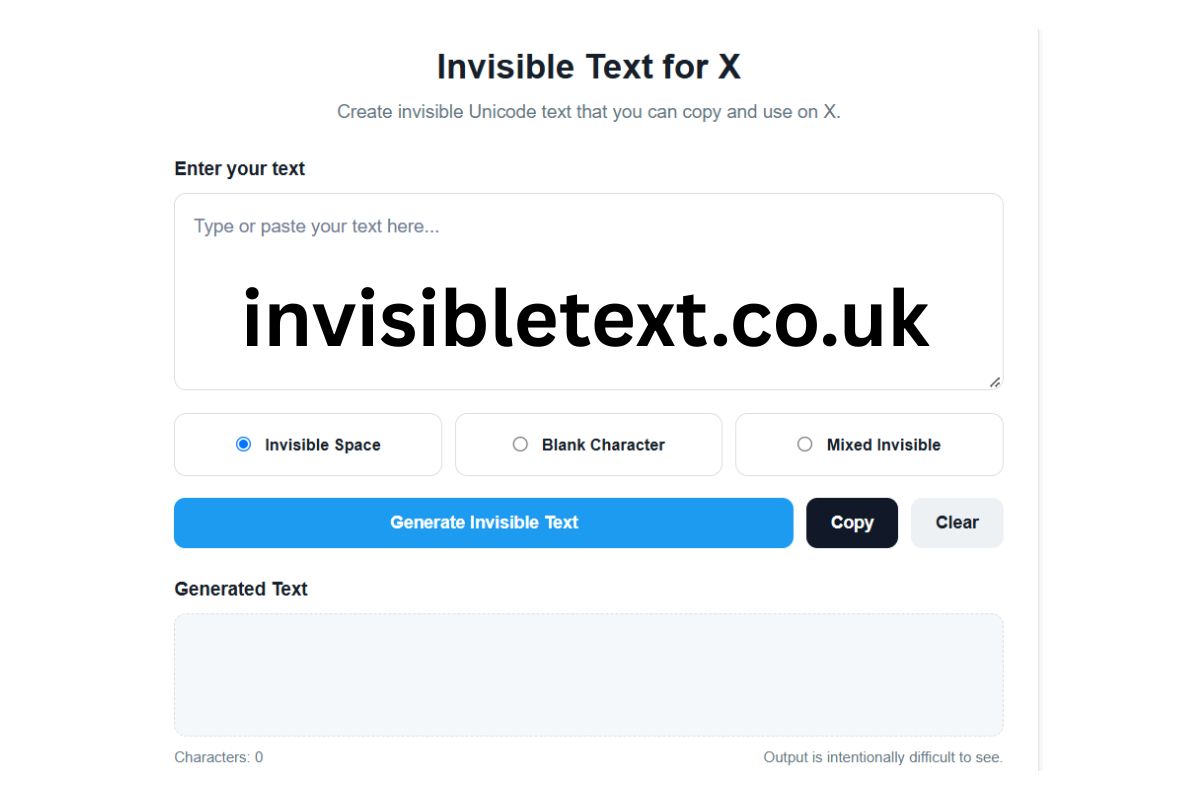
Invisible Text for X
Create invisible Unicode text that you can copy and use on X.
How to use Invisible Text for X
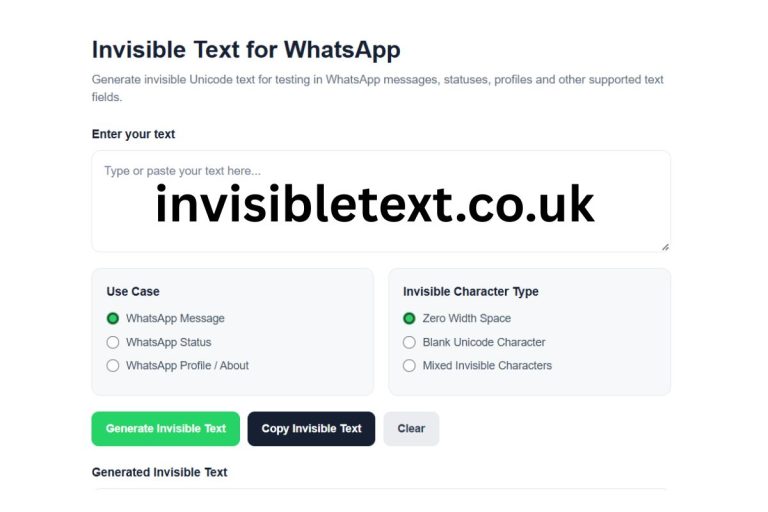
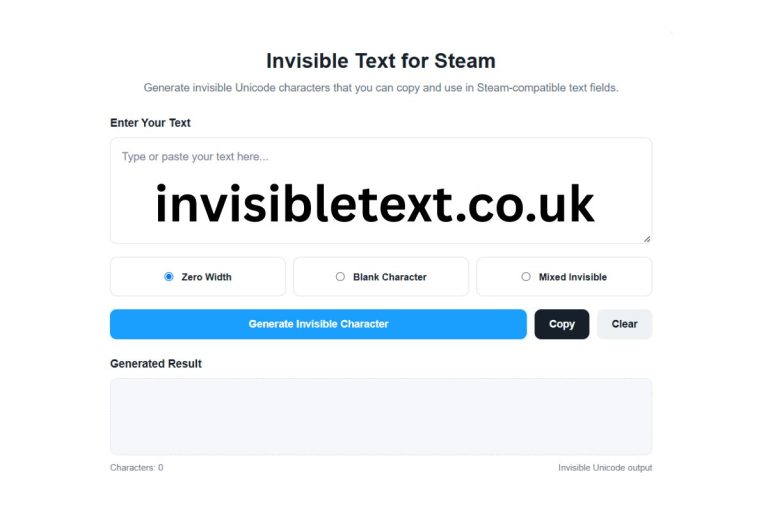
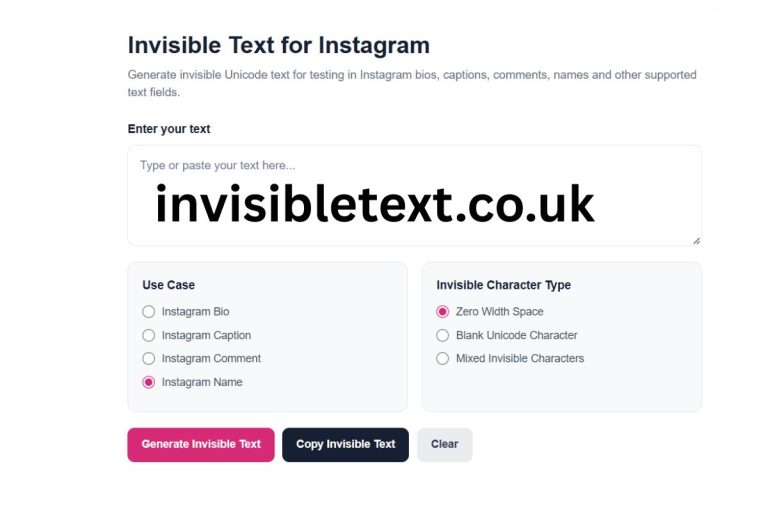
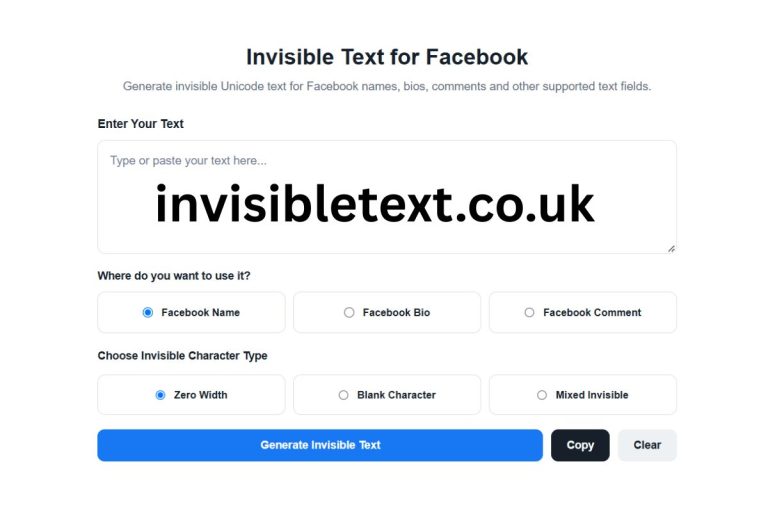
Enter your text above, choose an invisible character style, generate the result, and click Copy. You can then paste the generated text wherever invisible Unicode characters are supported.
Want to create invisible text for X without installing an app or extension? Our free Invisible Text for X tool lets you generate invisible Unicode characters that can be copied and pasted into places where invisible or blank characters are supported.
Invisible characters are special Unicode characters that may appear empty even though they are technically present in a text string. Depending on the character and platform, they can be used to create blank-looking text, invisible spaces, or text formatting effects.
Use the tool above to generate invisible text online, copy it with one click, and paste it wherever you need it.
What Is Invisible Text for X?
Invisible text for X refers to text containing Unicode characters that are not normally visible on the screen. Unlike an ordinary space, some Unicode characters have no visible glyph or are rendered as blank.
For example, Unicode includes characters such as Zero Width Space, Zero Width Non-Joiner, Zero Width Joiner, Word Joiner, and other invisible or formatting characters.
These characters can technically exist inside a text string without producing a clearly visible symbol.
Our tool makes it easier to generate these characters without requiring you to know their Unicode codes manually.
Simply enter text, select an available invisible-text style, generate the result, and copy it.
How to Use the Invisible Text for X Tool
Using the tool is simple and does not require any technical knowledge.
Step 1: Enter Your Text

Type or paste your text into the input box.
You can enter a word, sentence, or other text that you want to process.
Step 2: Choose an Invisible Character Style
The tool provides different options for generating invisible characters:

Invisible Space:
This option replaces ordinary spaces with zero-width characters. It can be useful when you want to experiment with invisible spacing or Unicode formatting.
Blank Character:
This option generates invisible Unicode characters corresponding to the length of your input. The resulting output may appear completely blank.
Mixed Invisible:
This option combines several invisible Unicode characters to create an output containing different zero-width Unicode characters.
Step 3: Generate Invisible Text

Click the Generate Invisible Text button.
The tool processes your input directly in your browser and places the generated result in the output area.
Step 4: Copy the Result

Click Copy to copy the generated invisible characters to your clipboard.
You can then paste the result into X or another application that accepts those Unicode characters.
Step 5: Test the Result
Because different websites, browsers, operating systems, and applications handle Unicode characters differently, always test the generated text before relying on it.
Why Use Invisible Text?
Invisible Unicode characters have several potential uses.
One common reason is experimenting with blank-looking text. Since some Unicode characters have no visible representation, they can create output that appears empty while still containing characters.
Invisible characters can also be useful for testing how websites and applications handle Unicode.
Developers and website owners may use invisible Unicode characters when testing:
- Text validation
- Character limits
- Unicode handling
- Search functionality
- Copy and paste behavior
- Input sanitization
- Username and profile-field validation
- Text-rendering systems
For ordinary users, an invisible text generator can provide a convenient way to create and copy these characters without manually searching for Unicode codes.
Invisible Text vs Normal Space
A normal space and an invisible Unicode character are not necessarily the same thing.
A standard space is a visible text-layout character that creates separation between words.
Invisible Unicode characters may behave differently depending on their Unicode definition.
This is why it is important to understand that "invisible character" is a broad term rather than the name of one single Unicode character.
Does Invisible Text Work on X?
The behavior of invisible characters on X can vary.
X, browsers, mobile operating systems, and other applications may process or normalize Unicode characters differently. A character that appears invisible in one environment may behave differently in another.
For this reason, there is no universal guarantee that every invisible character generated by this tool will work in every X field or feature.
If your goal is to use invisible text on X, generate the character, copy it, paste it into the intended field, and check the result.
The tool does not bypass X's rules or restrictions. It simply generates Unicode characters that can then be copied like ordinary text.
Is Invisible Text Really Empty?
Not necessarily.
This is one of the most important things to understand about invisible text.
A string can look empty while still containing Unicode characters.
For example, an invisible Unicode character may occupy a position in a string even though your screen does not display a visible symbol.
This means an invisible text result should not automatically be treated as an empty string.
From a technical perspective, invisible characters can still be detected by software, counted as characters, copied, stored, or processed.
Invisible Text and Unicode
Unicode is a worldwide character-encoding standard designed to represent text and symbols across different writing systems.
In addition to normal letters, numbers, punctuation, and symbols, Unicode contains characters with special formatting or control-related behavior.
Some of these characters have little or no visible representation.
Examples include:
- Zero Width Space
- Zero Width Non-Joiner
- Zero Width Joiner
- Word Joiner
- Invisible Separator
Each character has its own technical purpose and behavior. They should therefore not be considered interchangeable.
Our Invisible Text for X tool uses Unicode characters to create different invisible-text outputs.
Is the Invisible Text Generator Free?
Yes. The tool is designed as a free online utility.
You don't need to download software, install a browser extension, or manually enter Unicode codes.
Simply open the page, enter your text, select a generation method, and copy the result.
Because the processing happens directly in the browser, the tool is also convenient for quick experiments.
Can I Use Invisible Text on Other Websites?
Potentially, yes.
Invisible Unicode characters are not exclusive to X. They may work in many applications and websites that accept Unicode text.
However, support depends on the specific platform.
Some websites may:
- Remove invisible characters
- Normalize Unicode
- Reject certain characters
- Count invisible characters toward limits
- Display replacement symbols
- Treat different Unicode characters differently
Therefore, always test the generated result on the website or application where you intend to use it.
Important Things to Know Before Using Invisible Characters
Invisible characters can be useful, but they should be used responsibly.
Do not assume that an invisible character is undetectable. Software can inspect the underlying Unicode string even when the character is not visible to a human reader.
Also, avoid using invisible characters to impersonate another user, bypass security systems, evade moderation, or deceive people.
The purpose of this tool is to provide a convenient way to generate and experiment with invisible Unicode text.
Frequently Asked Questions
What is an invisible character?
An invisible character is a Unicode character that may not have a visible glyph when displayed. Some invisible characters are zero-width characters, while others have special formatting or joining behavior.
How do I create invisible text?
Use the Invisible Text for X generator above. Enter your text, select a generation method, click Generate Invisible Text, and then click Copy.
Can I copy invisible text?
Yes. The generated result can be copied using the Copy button. Your browser's clipboard support may affect copying behavior.
Does invisible text work everywhere?
No. Different platforms process Unicode differently. A character that appears invisible in one application may be removed, displayed, or handled differently somewhere else.
Is invisible text the same as a blank space?
No. A normal space and an invisible Unicode character are different characters and can behave differently.
Can invisible characters be detected?
Yes. Invisible does not mean undetectable. Software can inspect the underlying Unicode characters even when they are not visually displayed.
Is this tool available on mobile?
Yes. The tool is designed to work in modern mobile and desktop browsers. The exact clipboard behavior can depend on your browser and device.
Final Thoughts
The Invisible Text for X Generator provides a simple way to create and copy invisible Unicode characters online.
Instead of searching for individual Unicode characters or manually copying them from different sources, you can use one interface to generate different invisible-text styles.
Remember that Unicode behavior depends on the platform, browser, operating system, and application. If you are using invisible text on X or another website, test the generated result first to make sure it behaves as expected.
Use the tool above to generate invisible text, copy it, and experiment with Unicode characters directly from your browser.