Invisible Text for Instagram (Bio, Name & Highlights)
Invisible Text for Instagram
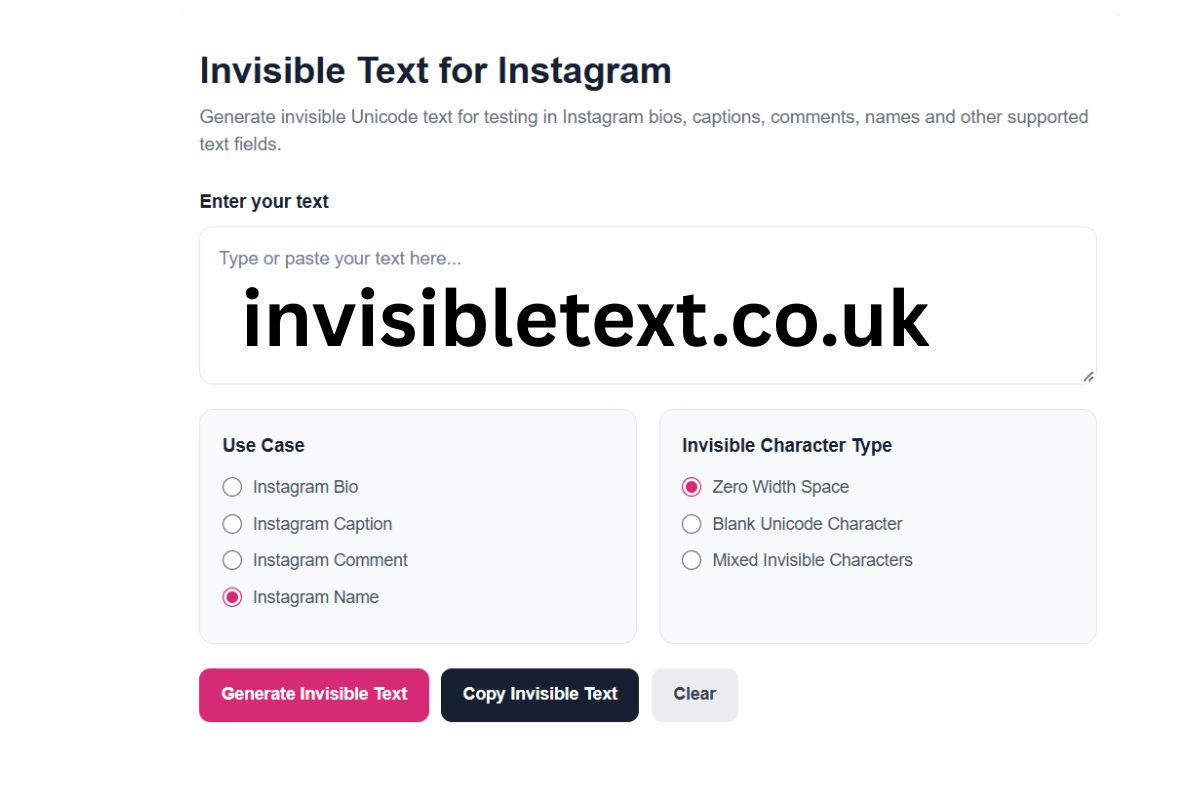
Generate invisible Unicode text for testing in Instagram bios, captions, comments, names and other supported text fields.
How to use this Instagram invisible text generator
Enter your text above, select the Instagram field where you want to test it, and choose an invisible Unicode character type. Click “Generate Invisible Text”, then use the Copy button to copy the result. Paste it into Instagram and check how it is handled. Instagram may preserve, remove, normalize or reject certain Unicode characters, so always verify the final result.
Invisible Text for Instagram is text that contains Unicode characters that may appear empty or invisible when displayed. These characters are different from ordinary spaces and can behave differently depending on the application, device, browser, operating system, and specific Instagram text field.
The Invisible Text for Instagram Generator above provides an easy way to generate invisible Unicode characters and copy them for testing in supported Instagram fields. You can select different use cases, including Instagram Bio, Caption, Comment, and Name, and choose from several invisible character types.
Important: Instagram may preserve, remove, normalize, display differently, or reject certain Unicode characters. The generator does not guarantee that every invisible character will work in every Instagram field.
What Is Invisible Text for Instagram?
Invisible text is text containing Unicode characters that have little or no visible appearance in normal text rendering. Although these characters may look empty, they are still actual characters within the underlying text.
Some commonly used Unicode characters for invisible-text experiments include Zero Width Space, Zero Width Non-Joiner, Zero Width Joiner, Word Joiner, and other formatting or separator characters.
Invisible text should not be confused with completely empty text. A field that appears blank can still contain one or more Unicode characters.
How to Use the Instagram Invisible Text Generator
Using the tool above is simple and does not require installing software.
Step 1: Enter Your Text
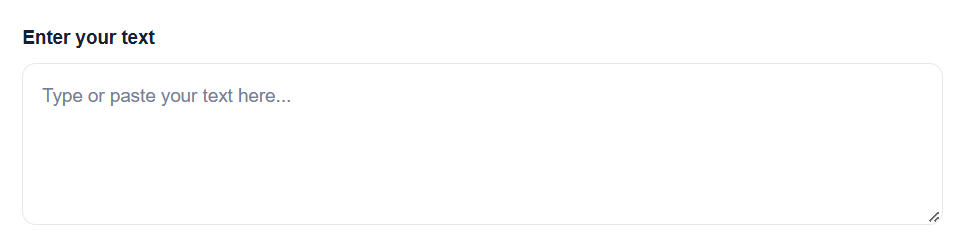
Type or paste text into the input box. The text is used to determine how many invisible Unicode characters the generator creates.
Step 2: Choose an Instagram Use Case
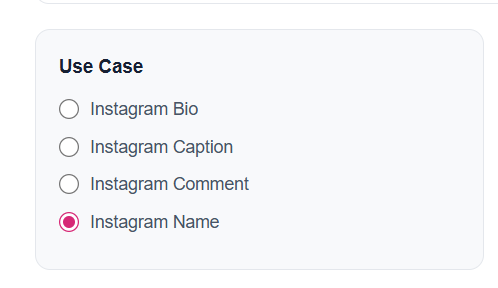
Select the area where you want to test the generated text:
- Instagram Bio
- Instagram Caption
- Instagram Comment
- Instagram Name
Step 3: Select an Invisible Character
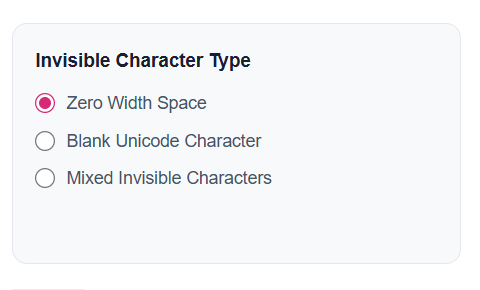
Choose one of the available character types:
- Zero Width Space
- Blank Unicode Character
- Mixed Invisible Characters
Step 4: Generate the Text
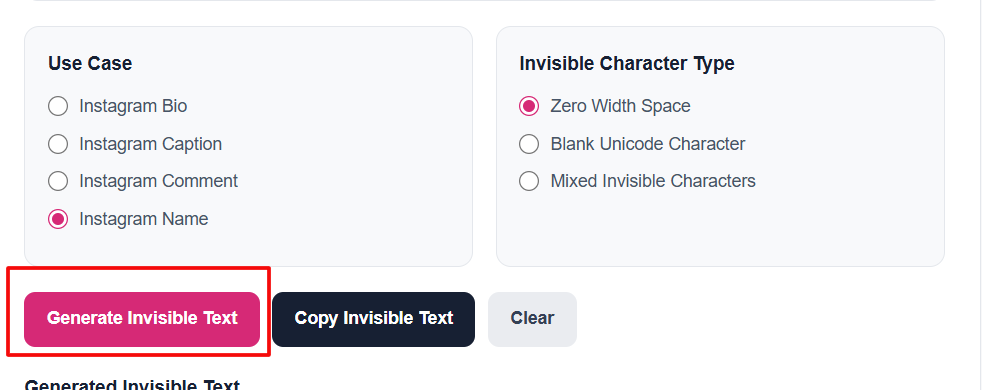
Click Generate Invisible Text. The generated result will appear in the output box.
Step 5: Copy the Result
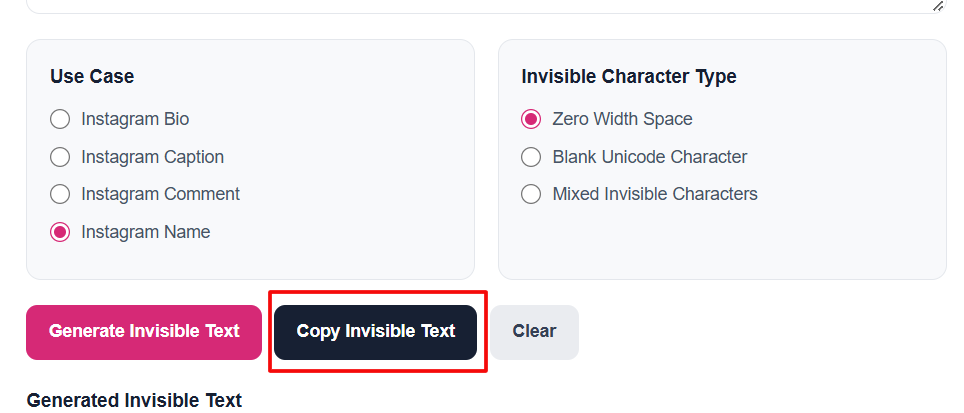
Click Copy Invisible Text and paste the result into the relevant Instagram field.
Step 6: Check the Final Result
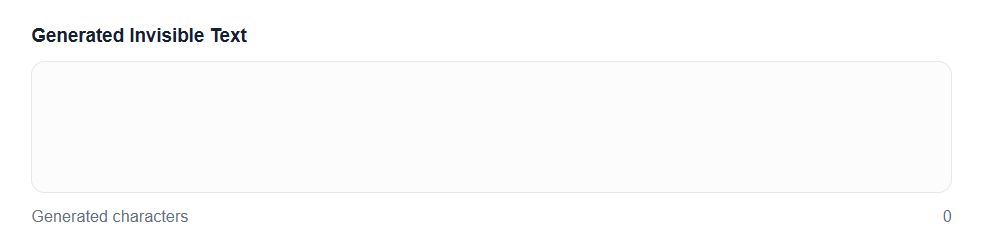
Always verify the result after pasting. Instagram can process Unicode characters differently depending on the field, application version, device, and other technical factors.
Invisible Text for Instagram Bio
An Instagram Bio is one of the places where users may experiment with Unicode formatting and invisible characters.
The Bio section has its own character and formatting rules. An invisible Unicode character may appear differently from a standard space, and Instagram may process some characters differently than expected.
If you want to test invisible text in an Instagram Bio, select Instagram Bio in the generator above, generate the text, copy it, and test the result directly in your profile.
Always check the saved profile rather than relying only on the editing screen.
Invisible Text for Instagram Captions
Instagram captions can contain Unicode characters, but the platform determines how those characters are stored and displayed.
If you are experimenting with invisible Unicode characters in captions, the generator can create a result that you can copy and paste into a caption field.
The appearance can vary depending on the device and Instagram interface. A character that looks invisible in one environment may be processed differently elsewhere.
Also Check: Invisible Text for WhatsApp (Blank Message & Name)
Invisible Text for Instagram Comments
Invisible characters can also be tested in Instagram comments and other supported text fields.
However, comments may be subject to their own validation and processing rules. Instagram can change how text is handled over time, so a Unicode character that behaves one way today may behave differently after a platform update.
For this reason, use the generator as a testing and Unicode experimentation tool rather than assuming that every generated result will always be accepted.
Invisible Text for Instagram Names
The Instagram Name field is separate from the username and can have its own character rules.
If you want to experiment with invisible Unicode characters in a profile name, choose Instagram Name in the tool and generate the desired characters.
Whether a particular character is accepted depends on Instagram's current rules and Unicode handling. The tool cannot override Instagram's restrictions or guarantee that a generated value will be saved.
Invisible Character vs Normal Space
An invisible Unicode character is not necessarily the same as a normal space.
A standard space is specifically designed to separate words and create visible spacing in text layout. Invisible Unicode characters have different Unicode definitions and may perform different technical functions.
For example, a Zero Width Space generally does not create the same visible gap as an ordinary space.
Other Unicode characters can affect text joining, word boundaries, segmentation, or rendering.
This is why "invisible character" is a broad description rather than the name of one specific character.
What Is a Zero Width Space?
A Zero Width Space, commonly represented by the Unicode code point U+200B, is a Unicode character that generally has no visible width when rendered.
Despite its name, it is not simply another version of the regular space character. It has its own Unicode semantics and can be relevant to text processing and word-boundary handling.
The Instagram tool includes Zero Width Space as one of its generation options for experimentation.
What Is a Blank Unicode Character?
A blank Unicode character is a character that can appear empty or have little visible representation when displayed.
Different Unicode characters can have different purposes and behavior. Some may affect joining, segmentation, rendering, or text processing rather than simply representing an empty space.
Therefore, copying a visually blank character does not mean that the clipboard contains nothing.
What Are Mixed Invisible Characters?
The Mixed Invisible Characters option uses more than one invisible Unicode character instead of repeating a single character type.
This can be useful when testing how an application handles different Unicode code points.
However, using multiple Unicode characters does not guarantee that Instagram will accept or preserve them. The final behavior is controlled by Instagram and the environment in which the text is processed.
Why Does Invisible Text Sometimes Not Work on Instagram?
There are several possible reasons.
Instagram Updates
Instagram can change its text-processing and validation behavior. Platform updates can affect how certain Unicode characters are handled.
Different Text Fields
A Bio, Caption, Comment, and Name field may have different validation rules.
Different Devices
Android and iOS devices, browsers, and operating systems may render Unicode differently.
Unicode Normalization
Some software processes Unicode before displaying or storing it. Characters can potentially be normalized or removed during processing.
Unsupported Characters
A particular Instagram field may not support every Unicode character. Some characters may be rejected or stripped from the final result.
Also Check:- Invisible Text for Facebook: Name, Bio & Comments
Is Invisible Text Really Invisible?
Invisible text is usually visually invisible, not necessarily technically invisible.
A user may not see anything on screen, but the underlying text can still contain Unicode characters.
Software can inspect individual Unicode code points, meaning that invisible characters can potentially be identified through text-processing tools.
Therefore, "invisible" refers primarily to how the text appears visually.
Can Instagram Detect Invisible Characters?
Visually invisible does not mean undetectable by software.
Applications can analyze the underlying Unicode content of text. If a string contains Zero Width Space or other Unicode characters, software can potentially inspect and identify those characters.
The generator therefore should not be considered a method for bypassing Instagram's moderation, security, validation, or platform restrictions.
Is the Instagram Invisible Text Generator Free?
Yes. The tool above is designed to work directly in your browser.
There is no separate software installation required. Enter text, select your desired option, generate the invisible characters, and copy the result.
It is useful for Unicode experiments, formatting tests, and learning how different text fields handle characters that may not have a visible representation.
Responsible Use of Invisible Text
Invisible Unicode characters can have legitimate uses in text processing, formatting experiments, accessibility testing, and understanding Unicode behavior.
However, they should not be used to impersonate another person, deceive users, evade platform restrictions, bypass moderation, or interfere with security systems.
Always use invisible characters responsibly and follow Instagram's applicable rules.
Frequently Asked Questions
What is invisible text on Instagram?
Invisible text is text containing Unicode characters that may have little or no visible appearance when displayed.
How can I create invisible text for Instagram?
Use the generator above, enter your text, select an Instagram use case and invisible character type, then click Generate Invisible Text.
Can I use invisible text in an Instagram Bio?
You can test invisible Unicode characters in the Instagram Bio field, but Instagram controls which characters it accepts and preserves.
Does invisible text work in Instagram comments?
Some Unicode characters may be accepted in comments, but behavior can vary depending on Instagram's current implementation and the device being used.
Is a Zero Width Space the same as a normal space?
No. A Zero Width Space is a different Unicode character with different technical properties from an ordinary space.
Can invisible Unicode characters be detected?
Yes. They may be visually invisible but can still be identified by software that examines the underlying Unicode characters.
Is invisible text completely empty?
No. Invisible text can contain actual Unicode characters even when it appears empty on screen.
Final Thoughts
The Invisible Text for Instagram Generator provides a simple way to experiment with Unicode characters that may appear invisible in supported Instagram fields. You can generate text for Instagram Bios, Captions, Comments, and Names and choose between Zero Width Space, Blank Unicode Character, and Mixed Invisible Characters.
Remember that Unicode behavior is not identical across every platform or device. Instagram may preserve, remove, normalize, display, or reject particular characters.
For the most reliable results, generate your invisible text above, copy it, paste it into the intended Instagram field, and verify the final result before using it.