Invisible Text for Steam | Blank Name and Chat Guide
Invisible Text for Steam
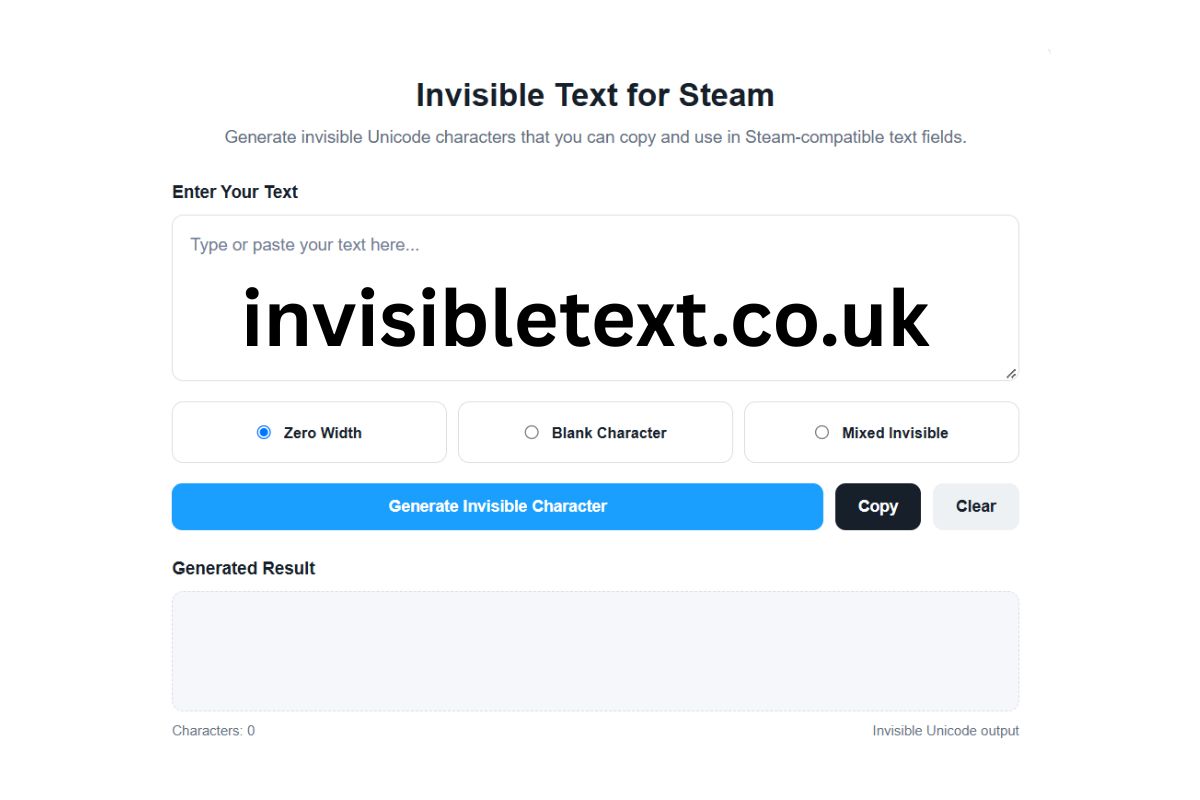
Generate invisible Unicode characters that you can copy and use in Steam-compatible text fields.
How to Use the Steam Invisible Character Generator
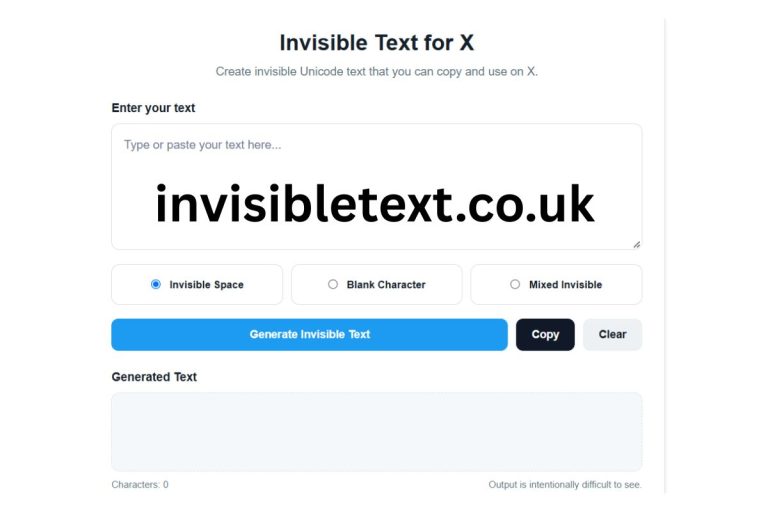
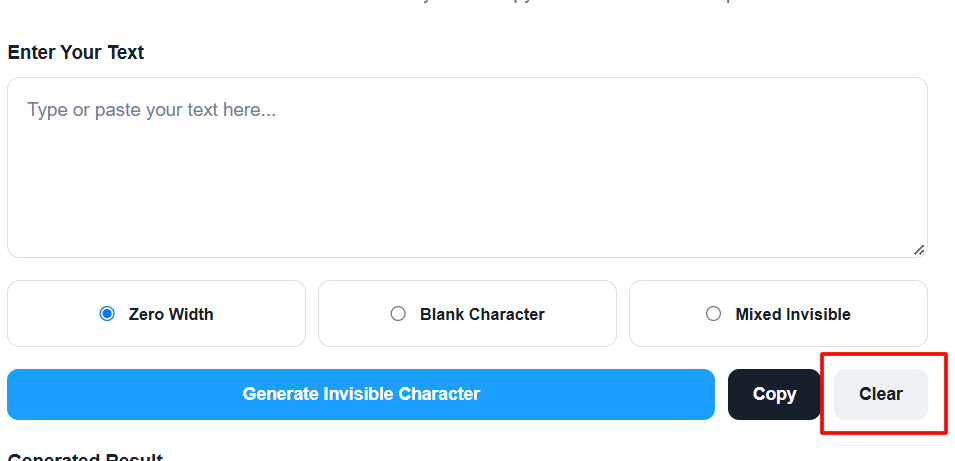
Enter your text above, select an invisible character style, and click Generate. Once the invisible Unicode characters are generated, use the Copy button to copy the result. You can then paste the result into supported Steam text fields.
Looking for an invisible Text for Steam? Our free online Invisible text for Steam tool lets you generate invisible Unicode characters quickly and copy them with a single click.
Invisible characters are Unicode characters that may appear blank or have little to no visible representation when displayed. Although they may look empty, they are still part of the underlying text. This makes them different from simply leaving a text field empty.
The tool above provides a simple way to generate different types of invisible Unicode characters without installing software, downloading an app, or manually searching for Unicode codes.
What Is an Invisible Character for Steam?
An invisible character is a Unicode character that may not display a visible symbol on the screen. Some invisible characters have zero width, while others are used for text joining, word separation, formatting, or other Unicode-related purposes.
When people search for an invisible character for Steam, they are usually looking for a character that can be copied and pasted into a Steam-supported text field and may appear blank.
Unlike a regular space, an invisible Unicode character has its own Unicode identity. Applications can therefore process it differently from an ordinary space.
The Invisible Character for Steam generator above creates several types of invisible Unicode output that you can copy and test.
How to Use the Invisible Character for Steam Tool
Using the generator is straightforward.
1. Enter Your Text
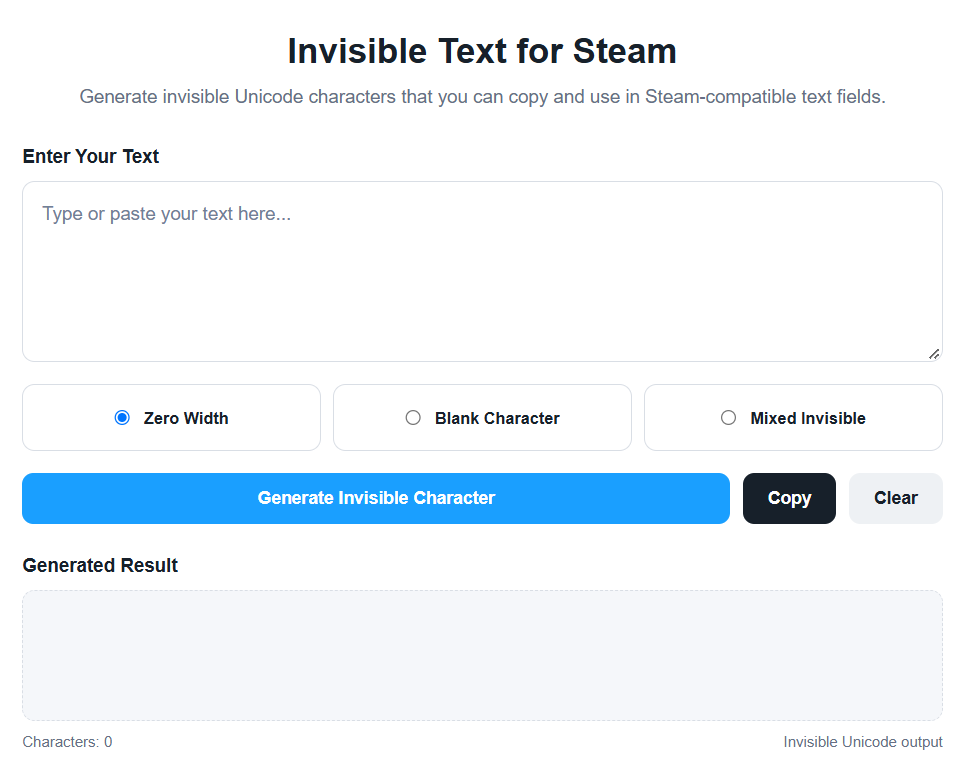
Start by entering text into the input box above.
You can enter a word, sentence, or any other text that you want to use as the basis for generating invisible Unicode characters.
2. Select an Invisible Character Type

The tool provides multiple options.
Zero Width:
Generates zero-width Unicode characters. These characters generally do not occupy visible horizontal space.
Blank Character:
Creates a sequence of invisible Unicode characters corresponding to the length of your input.
Mixed Invisible:
Combines several different invisible Unicode characters to create a mixed Unicode output.
Different platforms may handle these characters differently, so you can test the available options to see which one behaves as expected in your intended Steam field.
3. Click Generate

After selecting an option, click Generate Invisible Character.
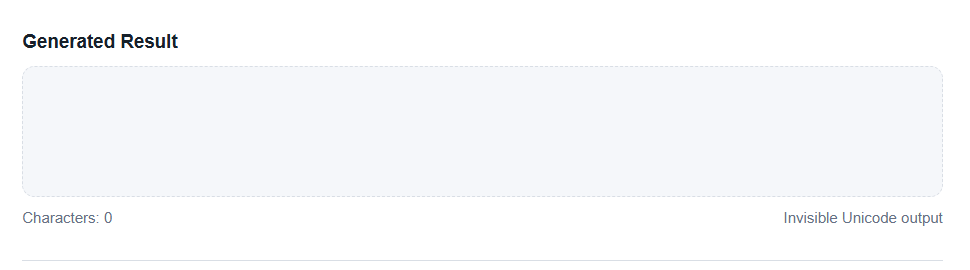
The tool creates the Unicode output directly in your browser.
4. Click Copy
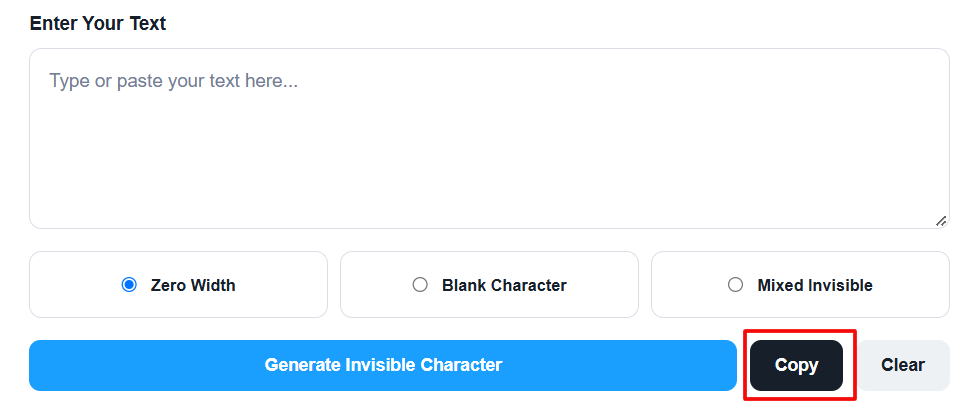
Once the result has been generated, click Copy.
The invisible characters are copied to your clipboard, allowing you to paste them into a compatible Steam text field or another application.
5. Test the Result
Unicode support is not identical across every application.
Steam, browsers, operating systems, and individual text fields may process invisible characters differently. Therefore, always test the copied character in the exact location where you intend to use it.
Also Check:- Invisible Text for X – Generate Invisible Text Online
Invisible Character vs Normal Space
A normal space and an invisible Unicode character are not necessarily the same thing.
A standard space is a text-layout character that normally creates visible separation between words.
Invisible Unicode characters can have different technical properties depending on their Unicode definition.
For example, a Zero Width Space does not normally create the same visible gap as a standard space. Other zero-width characters can have different purposes related to text joining, word boundaries, or rendering.
This is why "invisible character" is a general description rather than the name of one specific Unicode character.
Why Do People Use Invisible Characters?
Invisible Unicode characters can be useful in a variety of situations involving text.
For Steam users, they may be useful for experimenting with blank-looking text or understanding how Steam handles Unicode characters.
Invisible characters can also be useful for developers, testers, and website owners who need to test how an application handles unusual Unicode input.
Common testing scenarios include:
- Unicode input testing
- Character-count testing
- Copy and paste testing
- Text validation
- Search functionality
- Username validation
- Input sanitization
- Text rendering
- Word-boundary testing
- Unicode normalization
The important thing to remember is that invisible does not mean undetectable. Software can inspect the actual characters contained inside a text string even when those characters are not visible to a person.
Does the Invisible Character Work on Steam?
The behavior of invisible Unicode characters can vary depending on the Steam feature or text field being used.
Different applications may normalize Unicode, remove certain characters, reject unsupported input, or render invisible characters differently.
Therefore, an invisible character generated by this tool should not be considered guaranteed to work in every Steam field.
If a character does not work, try another available character type and test it again. You should also check whether the specific Steam field accepts the character.
The generator itself does not modify Steam or bypass Steam's restrictions. It simply produces Unicode characters that you can copy and paste.
What Is Unicode?
Unicode is a global character-encoding standard that allows computers and digital systems to represent text from many different languages and writing systems.
Unicode contains far more than ordinary letters and numbers. It also includes punctuation, symbols, formatting-related characters, joining characters, and other special characters.
Some Unicode characters may have little or no visible representation.
Examples associated with invisible or zero-width behavior include:
- Zero Width Space
- Zero Width Non-Joiner
- Zero Width Joiner
- Word Joiner
- Invisible Separator
These characters are not identical and can have different technical behaviors.
For this reason, you should not assume that every invisible Unicode character works in exactly the same way.
Is Invisible Text Actually Empty?
No.
This is one of the most important concepts to understand.
Invisible text can look empty while still containing characters.
For example, an invisible Unicode character may not display a visible symbol, but it still exists inside the text string.
Software can therefore detect, count, store, copy, or process the character.
This is also why an invisible character should not be confused with an empty string.
An empty string contains no characters. An invisible string can contain one or more characters that simply have no obvious visual representation.
Can I Copy an Invisible Character?
Yes.
The tool includes a Copy button that uses your browser's clipboard functionality when available.
After generating the invisible character, click Copy and then paste the result into your desired Steam field.
If your browser blocks clipboard access, the tool also provides a fallback method that allows you to select and copy the generated result manually.
Clipboard behavior can vary depending on your browser, device, and security settings.
Can I Use the Character Outside Steam?
Potentially, yes.
Invisible Unicode characters are not exclusive to Steam. They can potentially be used in other applications and websites that accept the particular Unicode characters.
However, compatibility depends on the platform.
Some websites may remove invisible characters automatically. Others may count them toward character limits or normalize them before storing the text.
Some applications may display a replacement symbol instead of treating the character as invisible.
For this reason, test the generated character before using it for an important purpose.
Is the Steam Invisible Character Generator Free?
Yes. The tool is designed as a free online utility.
There is no need to install additional software or manually copy Unicode characters from a separate website.
Simply open the tool, select an option, generate your invisible character, and copy the result.
The generator is designed to make experimenting with invisible Unicode characters faster and easier.
Important Things to Remember
Invisible Unicode characters should be used responsibly.
A character being invisible on screen does not mean that it is hidden from software. Websites, applications, and security systems can inspect the underlying Unicode string.
You should not use invisible characters to impersonate another person, deceive users, bypass security controls, evade moderation systems, or violate the rules of a platform.
The main purpose of this tool is to generate and experiment with Unicode characters in a convenient way.
Frequently Asked Questions
What is an invisible character for Steam?
An invisible character for Steam is generally a Unicode character that may appear blank or have no obvious visible representation when entered into a compatible Steam text field.
How do I get an invisible character?
Use the generator above. Select an invisible character type, click Generate Invisible Character, and then click Copy.
Is an invisible character the same as a space?
No. A normal space and an invisible Unicode character are different. They can also behave differently when processed by software.
Does invisible text always work on Steam?
No. Steam may handle different Unicode characters differently depending on the specific field or feature. Compatibility is not guaranteed.
Can invisible characters be detected?
Yes. Invisible characters can be detected by software even when they cannot be seen easily by a user.
Can I use invisible Unicode characters on other websites?
Some websites and applications support them, while others remove, normalize, reject, or display them differently.
Is this invisible character generator free?
Yes. You can use the online generator above without installing additional software.
Conclusion
The Invisible Character for Steam Generator provides a convenient way to create and copy invisible Unicode characters online.
Instead of manually searching for Unicode codes, you can use the tool to generate different invisible-character styles and copy the result with one click.
Remember that invisible characters are still real Unicode characters even when they appear blank. Their behavior can vary between Steam, browsers, operating systems, and other applications.
For the best results, generate a character, copy it, paste it into the intended Steam field, and verify how it behaves before using it.
Use the Invisible Character for Steam tool above to generate, copy, and test invisible Unicode characters directly from your browser.